Made in France
Made in Europe

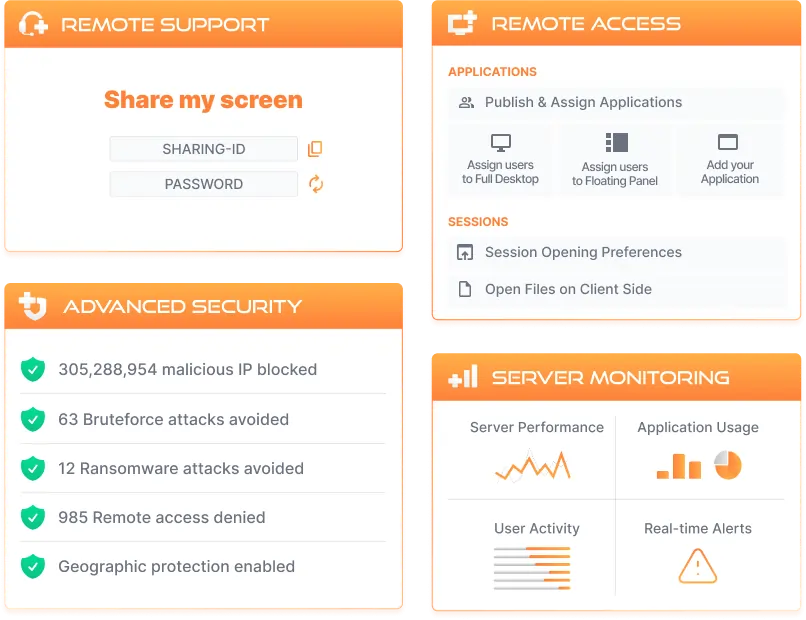
Remote Access and Web Application Portal
Secure and reliable remote access solutions for businesses of all sizes.
-
One-time Purchase or Subscription
-
Starts at 170€ (or 4,50€ /month)

Remote Assistance and Screen Sharing
Cloud-based attended/unattended assistance to remote clients.
-
Subscription
-
Starts at 7,50€ /month

Cybersecurity for Windows Servers
Prevent cyberattacks on your IT infrastructure and stop intruders.
-
One-time Purchase or Subscription
-
Starts at 170€ (or 18€ /month)

Monitoring & Reporting for Remote Servers
Track servers and websites' health in real-time to troubleshoot issues faster.
-
One-time Purchase or Subscription
-
Starts at 100€ (or 4,50€ /month)
Talk to our sales team
Need help choosing the right solution, placing order, or upgrading your license?
Tools
Community
-
Products
-
Solutions
-
Resources
Remote Access and Web Application Portal
Remote Assistance and Screen Sharing
Cybersecurity for Windows Servers
Monitoring & Reporting for Remote Servers
Popular
View all use cases →
Talk to our sales team
Need help choosing the right solution, placing order, or upgrading your license?
Mode sales activated: